Image‑to‑Image & Image‑to‑Video Techniques
How AI transforms still pictures into new visuals and moving scenes.
Updated: 1 April 2026
What Is Image‑to‑Image Translation?
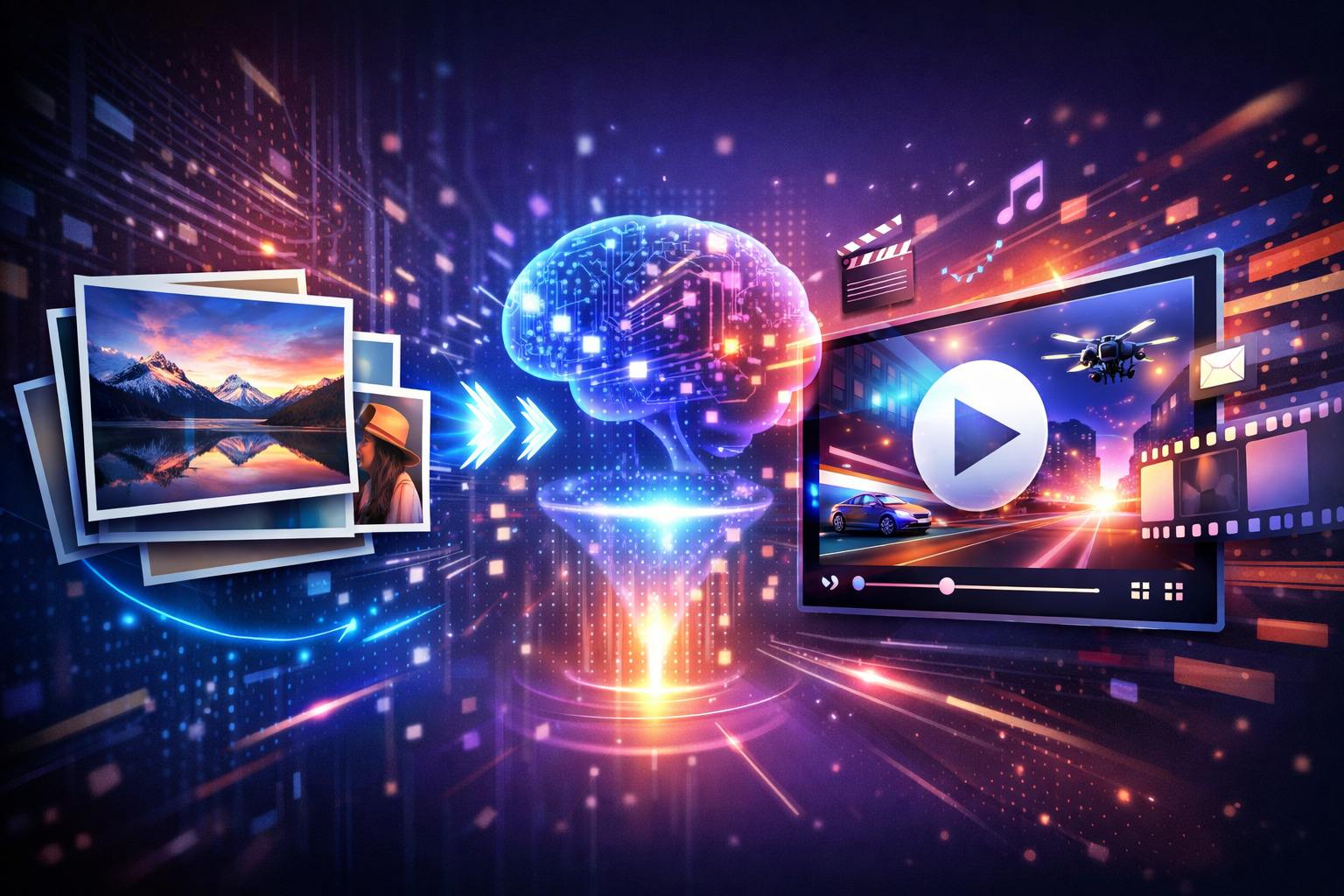
Image‑to‑image translation is a generative AI technique that converts a source image into a target image while preserving essential features. Models such as generative adversarial networks (GANs) or conditional GANs learn mappings between domains—for example, day to night, sketch to photo or low‑resolution to high‑resolution. This allows creators to perform style transfer, colorization and super‑resolution on existing images. During training, paired or unpaired images teach the model how to transform one domain into another, and cycle‑consistency techniques ensure that an image converted to a new style can return to its original state.
How Image‑to‑Video AI Works
Image‑to‑video AI takes a static picture and predicts how elements might move over time. The model analyzes objects and spatial relationships in the image, then generates new frames that simulate realistic motion. Advances in 2026 mean these systems understand depth and physics, so hair sways naturally, water ripples and characters turn their heads. The AI renders each frame, maintaining subject coherence and consistent lighting across the clip.
Modern platforms also integrate image‑to‑video generation into larger workflows. Rather than a one‑off feature, tools like Hedra Studio combine multiple models—image generation, voice synthesis and video editing—so users can upload a photo, add audio, refine the output and export a finished clip.
Applications
- Style Transfer & Super‑Resolution: Convert sketches into photorealistic artwork, apply different artistic styles or increase an image’s resolution while preserving details.
- Character Animation: Animate portraits or illustrated characters so they blink, speak or gesture. This enables faceless content creation and localized voiceovers.
- Product & Scene Motion: Bring product photos and landscapes to life with subtle movements like rotation, floating particles or atmospheric effects.
- Multi‑Frame Interpolation: Tools like Veo 3.1 use start–end frame interpolation and multi‑image references to generate smooth transitions and consistent subject appearance.
Limitations
Despite rapid progress, image‑to‑video AI still struggles with complex scenes, precise choreography and long‑form content. Models have difficulty animating multiple people simultaneously, and outputs are typically limited to a few seconds. Background reflections, fingers and fine details can appear distorted, so creators often generate several clips and select the best results.